If you've ever opened a JavaScript file and felt like you were looking at a different language altogether, you're not alone. JavaScript runs almost every website you visit, but its syntax can look intimidating until you break it down piece by piece. The good news? Once you understand the basic building blocks, everything else starts to click.
This guide walks you through the core syntax of JavaScript, one concept at a time, with simple code examples you can try out yourself. No prior coding experience needed. By the end, you'll have a solid grip on how JavaScript is written and structured.
Table of Contents
Variables And Declarations
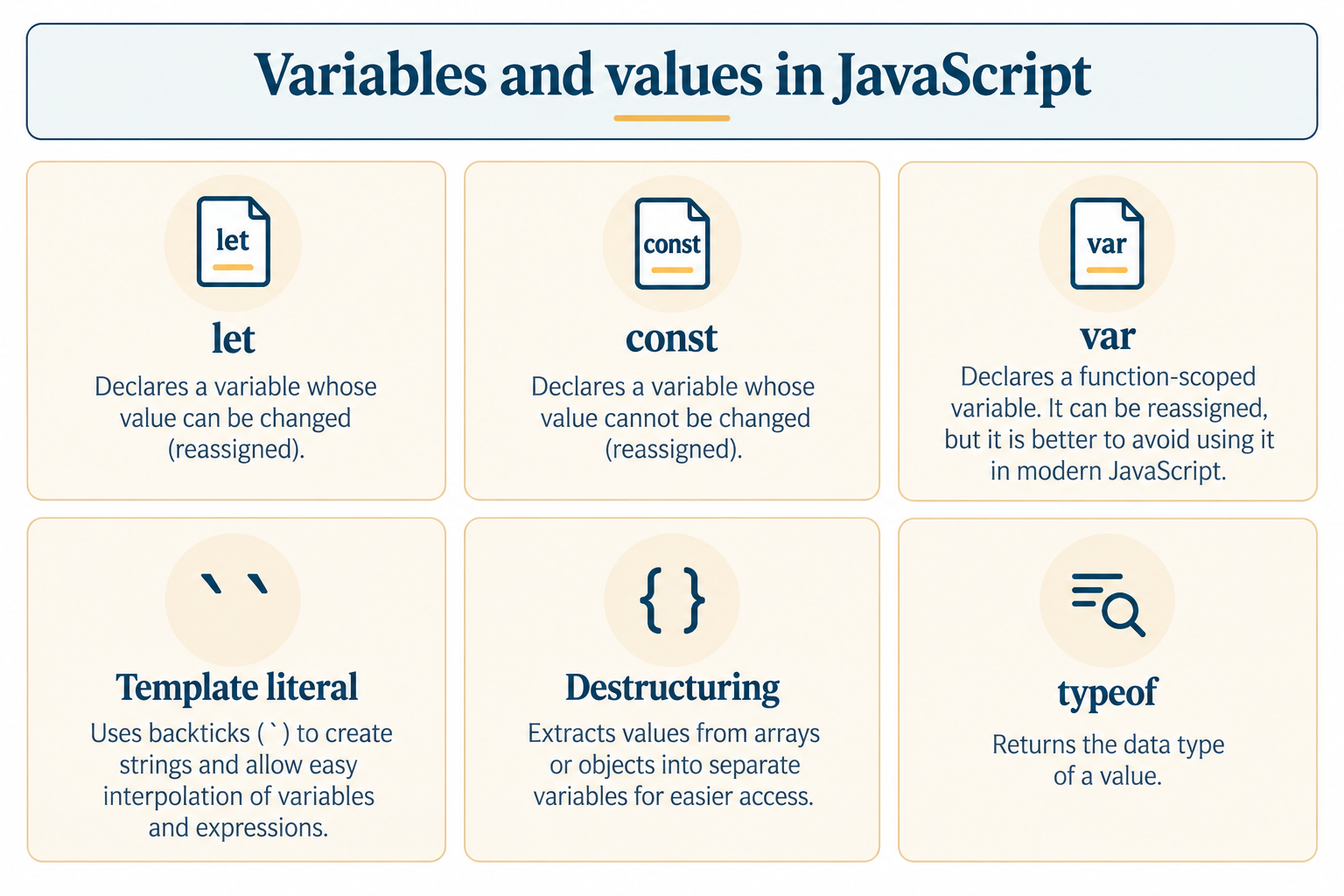
Variables are where JavaScript keeps its data for future use. They act like labeled containers in which data can be stored.1. Var Keyword: The oldest method of declaring variables. Variables declared using this keyword have function scope; that is, they can be accessed within the function only.
var name = "TutorialforGeeks";
2. let Keyword: It is the new way of declaring a variable, which might be changed in the future. It is block-scoped and is applicable within the { }.
3. Const Keyword: Is used when the values do not have to be changed. Changing the value of const causes an error.let age = 21;age = 22; // this works fine
4. Naming Conventions: Variables can only begin with letters, underscores, or dollar signs. Variables cannot be named with keywords such as let or function.const country = "India";
5. Multiple Declarations: It is possible to declare multiple variables in a single statement using commas as separators.let _score = 100;let $price = 50;
let x = 1, y = 2, z = 3;
Data Types In JavaScript
Every variable in JavaScript has its own data type. The following data types help you understand how your program behaves.
1. String Data Type: It is used for representing text values, enclosed in single, double, or backticks.
let city = "Delhi";
2. Number Type: Includes whole numbers and decimal numbers. There is no distinction between integer and float in JavaScript.
3. Boolean Type: Contains only two values - true and false - frequently employed in decision-making.let price = 499.99;
4. Undefined and Null: undefined indicates that there is an undeclared variable without any value. Null refers to a variable that has no value assigned to it.let isLoggedIn = true;
5. Object and Array: Objects contain data in the form of key-value pairs, whereas arrays hold data in order.let x; // undefinedlet y = null; // null
let user = { name: "TutorialforGeeks", age: 2 };let colors = ["red", "blue", "green"];
Operators In JavaScript
Operators let you perform actions on values, like calculations or comparisons.
1. Arithmetic Operators: Used for math operations like addition, subtraction, and multiplication.2. Assignment Operators: Used to assign or update values in a variable.let sum = 5 + 3; // 8let product = 4 * 2; // 8
3. Comparison Operators: Used to compare two values and return true or false.let total = 10;total += 5; // total is now 15
4. Logical Operators: Used to combine multiple conditions using AND (&&), OR (||), and NOT (!).console.log(5 == "5"); // true (loose comparison)console.log(5 === "5"); // false (strict comparison)
5. Ternary Operator: A shorthand way of writing a simple if-else statement in one line.let isAdult = true;let hasID = false;console.log(isAdult && hasID); // false
let age = 18;let result = age >= 18 ? "Adult" : "Minor";
Conditional Statements
Conditionals let your program make decisions based on different situations.
1. If Statement: Runs a block of code only if a condition is true.
if (age >= 18) { console.log("You can vote");}
2. If-Else Statement: Adds a fallback block of code that runs when the condition is false.
if (marks >= 40) { console.log("Pass");} else { console.log("Fail");}
3. Else If Ladder: Checks multiple conditions one after another until one is true.
if (marks >= 90) { console.log("Grade A");} else if (marks >= 75) { console.log("Grade B");} else { console.log("Grade C");}
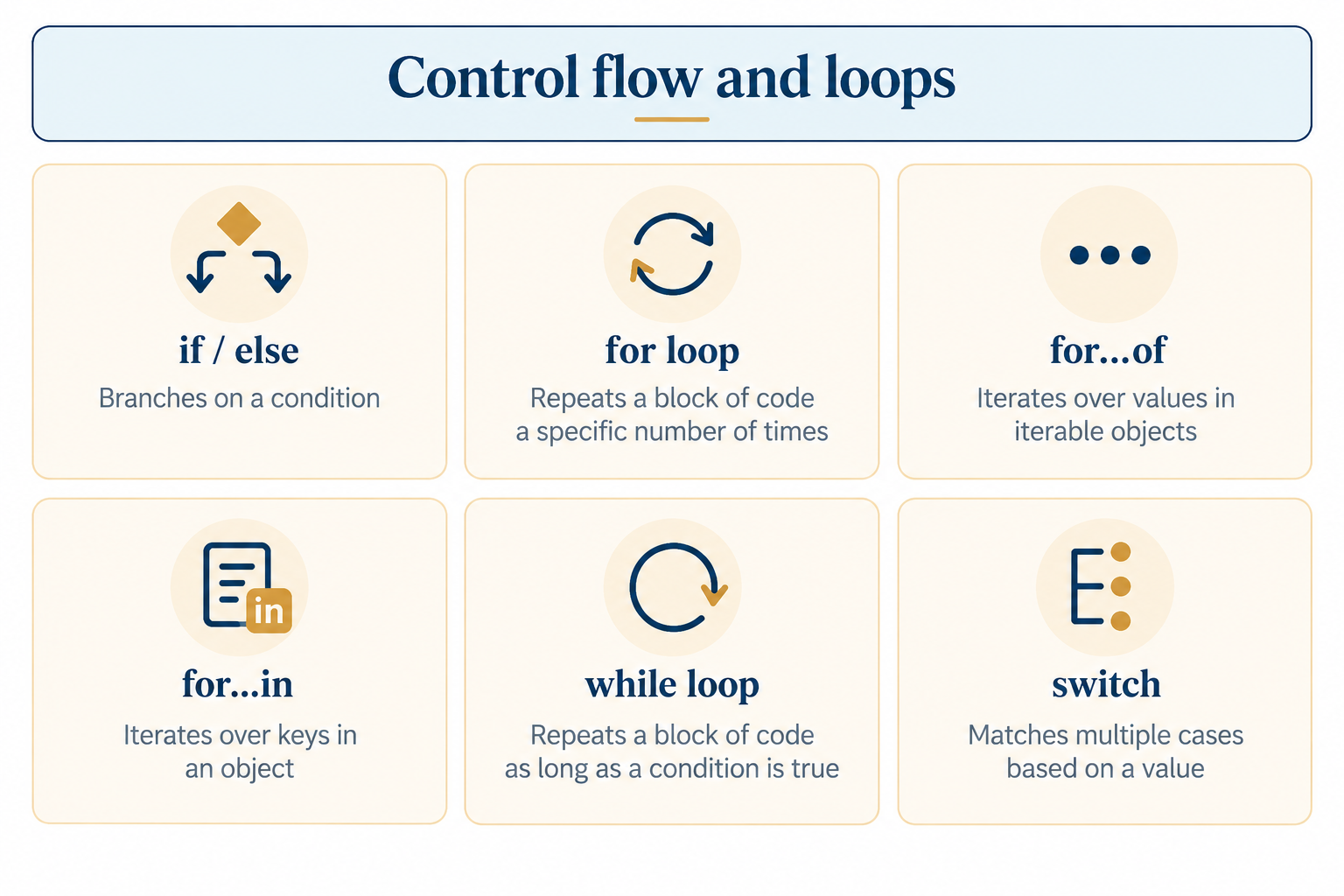
4. Switch Statement: A cleaner way to check one variable against many possible values.
switch (day) { case "Mon": console.log("Start of week"); break; default: console.log("Some other day");}
5. Nested Conditions: Placing an if statement inside another if statement for more specific checks.
if (isLoggedIn) { if (isAdmin) { console.log("Welcome, Admin"); }}
Loops In JavaScript
Loops let you repeat a block of code multiple times without writing it multiple times.
1. For Loop: Repetition executes code a finite number of times, very useful when you have a definite number of repetitions.
for (let i = 0; i < 5; i++) { console.log(i);}
2. While Loop: Repeats code as long as a condition remains true.
let i = 0;while (i < 5) { console.log(i); i++;}
3. Do While Loop: Similar to a while loop, but it runs the code block at least once before checking the condition.
let i = 0;do { console.log(i); i++;} while (i < 5);
4. For of Loop: Used to loop through the values of an array or other iterable.
let fruits = ["apple", "mango", "banana"];for (let fruit of fruits) { console.log(fruit);}
5. For in Loop: Used to loop through the keys of an object.
let user = { name: "TutorialforGeeks", age: 2 };for (let key in user) { console.log(key, user[key]);}
Functions In JavaScript
Functions let you package a block of code into a reusable unit that can be called whenever you need it.
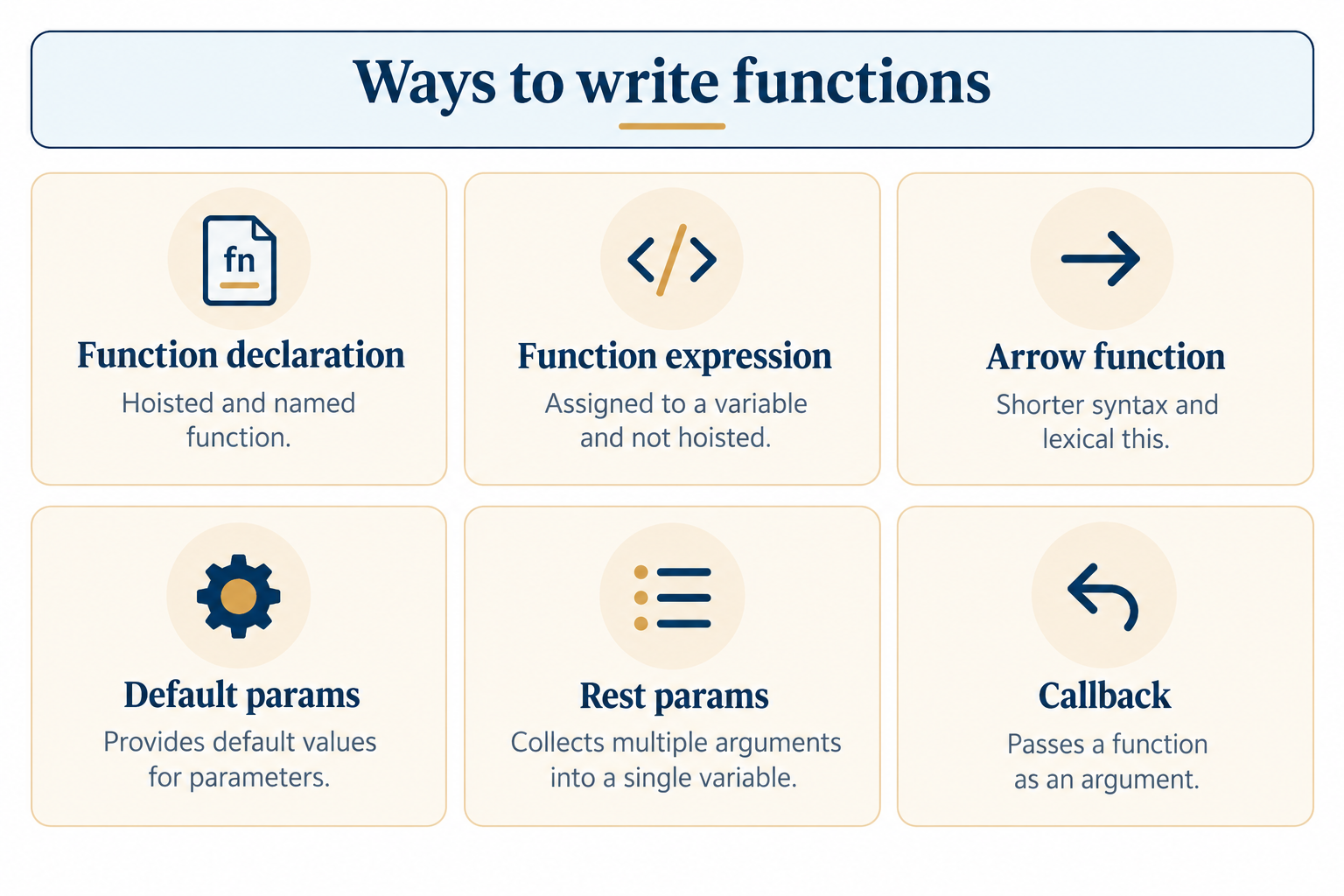
Function Declaration: The standard way to define a named function.
function greet(name) { return "Hello, " + name;}
Function Expression: Assigns a function to a variable, often used when the function doesn't need a name.
const greet = function(name) { return "Hello, " + name;};
Arrow Functions: A shorter syntax for writing functions, popular in modern JavaScript.
Default Parameters: Allows you to specify a default value for a parameter if it is not supplied.const greet = (name) => "Hello, " + name;
function greet(name = "Guest") { return "Hello, " + name;}
Return Statement: Sends a value back from the function to wherever it was called.
function add(a, b) { return a + b;}
Arrays In JavaScript
Arrays store multiple values in a single variable, and JavaScript gives you many built-in tools to work with them.
Creating Arrays: Arrays are written using square brackets, with items separated by commas.Accessing Elements: Each item in an array has an index starting from 0.let numbers = [10, 20, 30];
Array Push/Pop: push() adds an item to the end; pop() removes the last item.console.log(numbers[0]); // 10
Array Map Method: Creates a new array by applying a function to every element.numbers.push(40);numbers.pop();
Array Filter Method: Creates a new array with only the elements that pass a given condition.let doubled = numbers.map(num => num * 2);
let big = numbers.filter(num => num > 15);
Objects In JavaScript
Objects store related data and functionality together, using key-value pairs.
Creating Objects: Objects are written using curly braces with properties separated by commas.
let student = { name: "TutorialforGeeks", course: "JavaScript" };
Accessing Properties: Use dot notation or bracket notation to read a property's value.
Adding Properties: New properties can be added to an object at any time.console.log(student.name);console.log(student["course"]);
Object Methods: Functions stored inside an object are called methods.student.year = 2028;
let student = { name: "TutorialforGeeks", greet: function() { return"Hi, I'm " + this.name; }};
Nested Objects: Objects can contain other objects, useful for storing structured data.
let student = { name: "TutorialforGeeks", address: { city: "Delhi", pin: 110001 }};
Comments And Code Style
Comments help explain your code without affecting how it runs, and good style keeps it readable for others.
1. Single Line Comments: Written using two forward slashes, ideal for short notes.2. Multi-line Comments: Wrapped between /* and */, useful for longer explanations.// This calculates the total price
3. Semicolon Usage: JavaScript statements typically end with a semicolon, though it's often optional due to automatic semicolon insertion./* This function takes two numbers and returns their sum */
4. Camel Case Naming: The standard naming convention for variables and functions in JavaScript.let x = 5;
5. Indentation Practices: Consistent spacing (usually 2 or 4 spaces) makes nested code far easier to read.let firstName = "TutorialforGeeks";
if (true) { console.log("Indented properly");}
Conclusion
While the syntax of JavaScript may seem confusing at first, you will realize that it only consists of a series of logical guidelines on how to store data, make decisions, repeat processes, and create reusable code blocks. With some understanding of variables, data types, operators, looping structures, functions, arrays, and objects, you will come to the realization that most code in JavaScript is written following the same principles. Nothing beats practical experience in learning syntax, which means practicing by writing simple lines of code and playing with the examples above.
Frequently Asked Questions
1. What is the difference between let, const, and var?
var is function-scoped and outdated, let is block-scoped and reassignable, while const is block-scoped and cannot be reassigned once set.
2. Do I need to end every line with a semicolon?
No, JavaScript has automatic semicolon insertion, but adding semicolons manually is still considered good practice to avoid unexpected bugs.
3. What's the difference between == and ===?
== compares values after converting them to the same type, while === compares both value and type without any conversion.
4. Can a function be stored inside a variable?
Yes, this is called a function expression, and it's commonly used along with arrow functions in modern JavaScript.
5. Is JavaScript case-sensitive?
Yes, JavaScript treats uppercase and lowercase letters as different characters, so myVariable and myvariable are considered two separate variables.

0 Comments